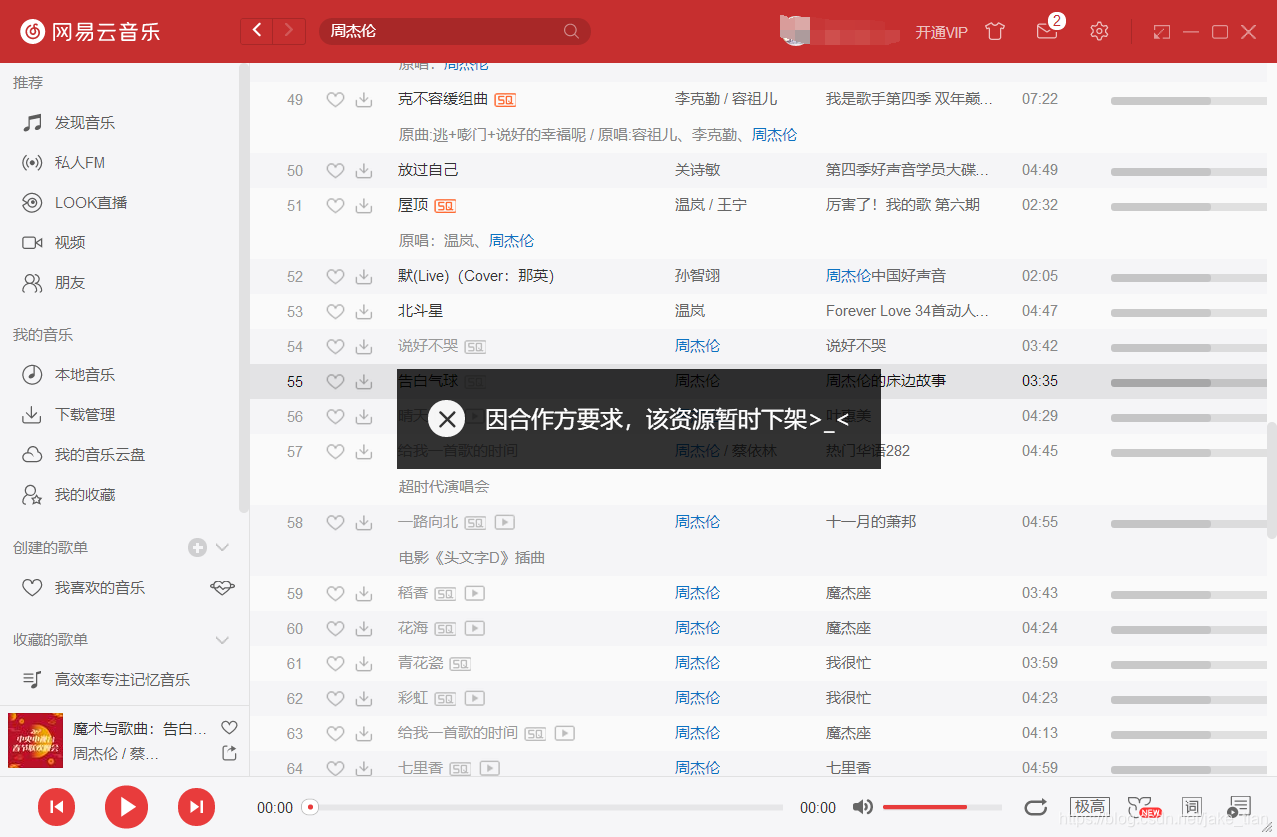
You’re all settled in for the night, ready to dive into the latest hyped Chinese drama everyone’s talking about back home. You click play on iQiyi, and then… it hits you. That soul-crushing message: "This content is not available in your region." Sound familiar? If you’re part of the vast diaspora of overseas Chinese, this digital wall is your weekly, if not daily, reality. From missing out on family water-cooler talk about the newest variety show to being unable to watch the movie reboot of a classic like My Date With a Vampire, it feels like you’re being culturally disconnected, one error message at a time.
And speaking of reboots, the buzz is real for The Exorcist Dragon Clan Ma Xiaoling. The trailer is pure fire—a nostalgic punch for fans of the original IP, with Bosco Wong breaking his vampire bloodline’s destiny and teaming up with Karena Ng’s badass, JK-skirt-wearing exorcist. The clash between bloodline instinct and human morality? Every frame is designed to spike your adrenaline. It’s premiering on iQiyi on December 11th… but only if you’re physically in Mainland China. That’s the painful irony for viewers abroad.
❗ Why Does This Happen? It’s Not Personal, It’s Licensing.
Let’s clear something up first. Platforms like iQiyi, Tencent Video, or Mango TV aren’t trying to spite you. A 2024 report by Media Partners Asia highlighted that over 92% of streaming disruptions for Chinese content abroad are due to complex international licensing agreements. Studios sell distribution rights piecemeal—country by country. So, iQiyi might have the rights to show a drama in Mainland China, but a platform like Viki or Netflix could own the rights for North America. Your IP address, which reveals your location, is the digital bouncer checking your ticket. No local ticket? No entry.
🔥 The Usual Fixes (And Why They Often Fail)
Your first instinct might be to download a random free VPN. Big mistake. Major streaming platforms have gotten scarily good at detecting and blocking VPN IP addresses. You might connect for five minutes, only to be throttled into endless buffering or kicked off completely. It’s a frustrating game of whack-a-mole. Plus, as noted in a recent Wall Street Journal tech column, some free VPNs compromise your data security, which is a price too high for watching TV.
💡 Smarter, More Stable Solutions for the Long Haul
So, what actually works? The key is consistency and smart tech. Instead of a basic VPN, look for services that specifically advertise "streaming-optimized" or "dedicated IP" addresses. These are harder for platforms to blacklist. Another rising solution is using a Smart DNS proxy. It doesn’t reroute all your traffic like a VPN; it only tricks the streaming site into thinking you’re in the right region. This often means faster speeds perfect for HD streaming without the dreaded buffering circle. Think of it as giving your device a local ID card instead of putting it in a tunnel.
The goal isn’t just to bypass a block once. It’s to reclaim your seamless connection to home’s entertainment and culture. With the right tool, you won’t just be reading about the epic blood-moon showdown in The Exorcist Dragon Clan—you’ll be streaming it in crisp, smooth HD on December 11th, no matter what country you’re logging in from. The digital Great Wall has gates; you just need the right key.
How to Use Sixfast: A Quick Start Guide

Sixfast is a lightweight acceleration tool designed to optimize your internet connection for gaming, streaming, and other online activities. Here’s how to get started:
1. Download and Install
Visit the official Sixfast website and download the client for your device (Windows, macOS, Android, or iOS). Follow the instructions to install.
2. Sign Up and Log In
Open the app and register with your email or phone number. You can also log in using WeChat, Apple ID, or other supported platforms.
3. Redeem Free Membership with Code “666”
After logging in, go to the “Profile” or “Account” section and look for “Redeem Code” or “Gift Code.” Enter 666 to receive free VIP membership time—perfect for trying out premium acceleration features.
PC:

mobile:

4. Select a Game or App
Choose the game or application you want to speed up. Sixfast supports popular titles like Genshin Impact, PUBG, Honor of Kings, and more.
5. Choose Region and Start Acceleration
Sixfast will automatically recommend the best server based on your location, or you can manually select one. Tap “Start” to begin acceleration.
6. Enjoy Low Latency
Once connected, launch your game or app and enjoy smoother, faster performance with reduced ping and lag.
Try Sixfast today and level up your online experience!